
 Kontakt
 Wie einkaufen
Versand
Kaufberater
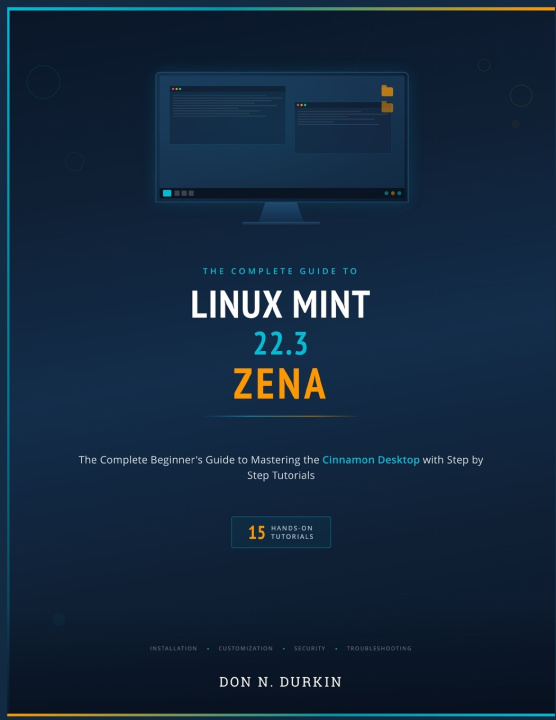
LINUX MINT 22.3 ZENA
THE COMPLETE BEGINNER'S GUIDE TO MASTERING THE CINNAMON DESKTOP WITH 15 STEP BY STEP TUTORIALS
 Englisch
 38 b
38 b
 Neu
Neu
Bis zu 30 Tage Rückgaberecht

You do not need to be a "computer person" to use Linux Mint. You just need someone to show you, one click at a time.
Linux Mint 22.3 Zena is one of the most popular free operating systems in the world, and for good reason: it is fast, stable, secure, and supported with free updates until 2029. Whether you are replacing an aging Windows computer, reviving a machine the manufacturer left behind, or simply trying something new, this book meets you at the very beginning and walks beside you until you are genuinely confident.
What makes this guide different?
Every instruction is written at click-by-click detail. No step is skipped because it seemed obvious. No jargon is used without a plain explanation. And no reader is left behind at step three of a tutorial that quietly jumped to step seven. The book is built for complete beginners and seniors, with large, clear language that never talks down to you.
15 hands-on tutorials take you from unboxing to independence:
You will create a bootable USB installer, take a risk-free test drive, install Linux Mint (clean or alongside Windows), complete the Welcome Screen setup, master the redesigned Mint Menu, organize files and folders, install free software, run system updates, set up automatic snapshots, configure your firewall, back up your personal files, check and install drivers, connect a printer and print a real document, customize your desktop with themes and Night Light, write and print a letter in LibreOffice Writer, and diagnose your computer with the new System Information tool.
Foundational chapters fill in the "why" behind every "how":
You will understand what an operating system actually does, how the Cinnamon desktop is organized, where your files live and how to find them, why free software is safe, what snapshots and backups protect you from, how drivers work, and how to ask the Mint community for help the right way.
Written specifically for Linux Mint 22.3 Zena, Cinnamon edition.
Every menu path, button name, and setting in this book was verified against the actual release. This is not a generic Linux guide with the version number changed on the cover. It covers Zena's redesigned application menu, the new System Information and System Administration tools, Nemo's pause and resume for file operations, the Night Light applet, and every other feature that makes 22.3 the most polished Mint release to date.
This is an independent publication. It is not affiliated with, authorized by, or endorsed by the Linux Mint project or Canonical Ltd.


Informationen zum Buch
Englisch

Verschenken Sie dieses Buch noch heute
Es ist ganz einfach
1 Legen Sie das Buch in Ihren Warenkorb und wählen Sie den Versand als Geschenk 2 Wir schicken Ihnen umgehend einen Gutschein 3 Das Buch wird an die Adresse des beschenkten Empfängers geliefertHallo! Ich bin Libroamiko, dein Buchberater.
Wie kann ich dir helfen?